
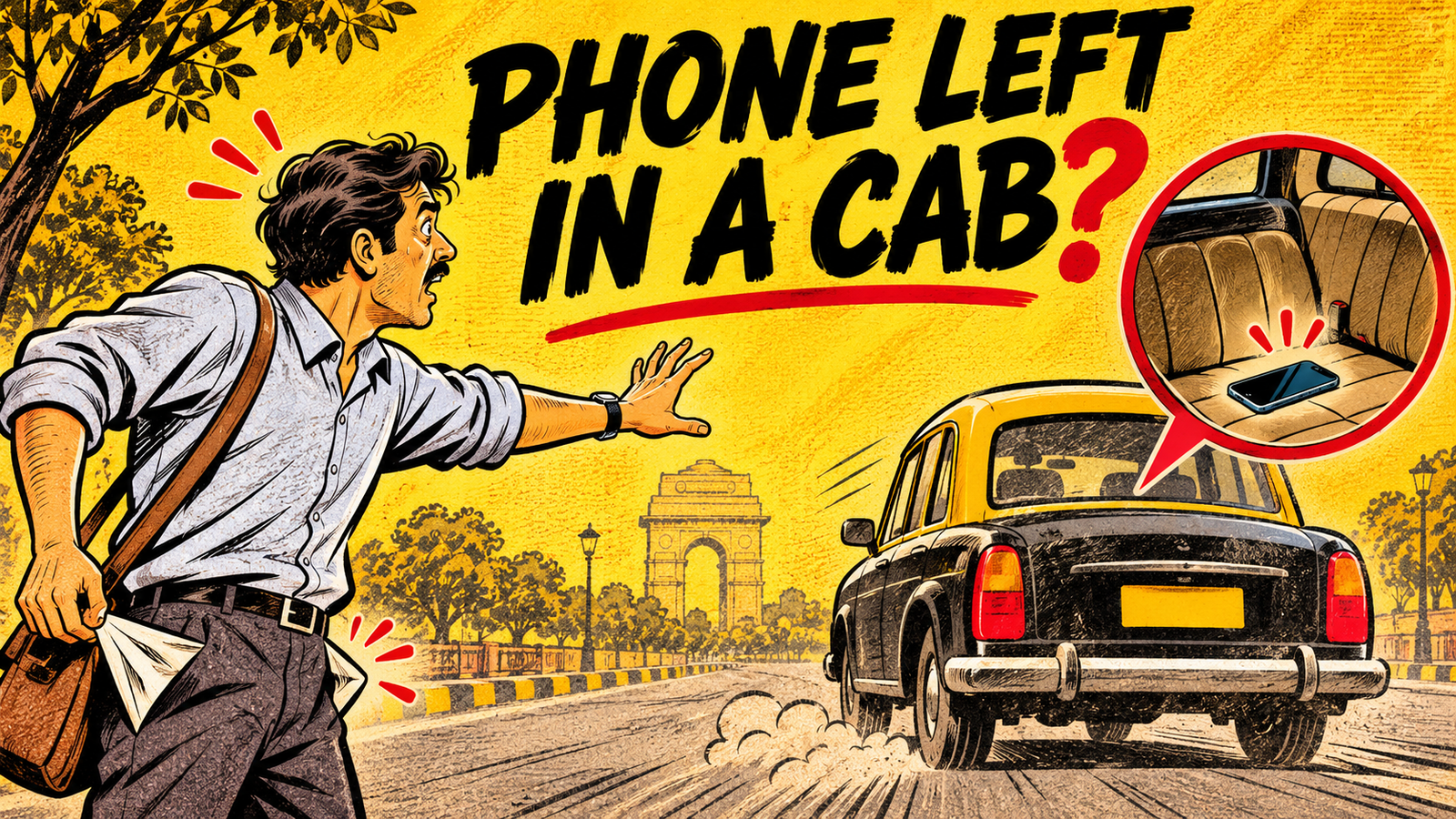
The cab pulls away and you reach for your phone. It is no longer in your pocket or bag. You may have left it on the back seat, and the device might still be online. Start two tasks in parallel if you can. Give the cab operator a quick way to identify the trip, and use a trusted device to protect the accounts on the missing phone.
First steps: Use a trusted phone or computer to contact the cab platform or operator through its official lost-property route. Have the trip receipt, pickup and drop points, approximate time and an alternate number ready. Meanwhile, open the official device-finding service for your phone to check its status and enable lost mode or remote lock if available. Keep your access codes private.
Contact the operator while the trip is fresh
For an app booking, find the trip through a trusted device, the emailed receipt or a person who booked the ride for you. Use the lost-item option for that trip if available. If you cannot sign in because your phone receives the code, look for a published lost-property contact or ask the person whose account booked it to report it. Give the operator a working number and a short description such as a black phone in a green cover, probably on the rear seat.
For a street taxi or prepaid booth, use the receipt, dispatch number or vehicle registration if you have it. Record where and when you entered and left the cab and what payment channel you used. A payment reference can help you reconstruct the timing, while a trip or vehicle identifier is more useful for finding the driver. Ask which office handles items that are found, and get the report number.
Agree on a safe handover
If the driver confirms they found the phone, use the official channel to agree where and when to collect it. Consider a staffed public location or the operator’s lost-property office. Ask whether a return charge applies and how it is collected. Give only the details needed to identify the item. A legitimate return can usually be arranged without telling a stranger your screen unlock code, login password or one-time code.
If a device tracker shows a moving or unfamiliar location, share the information with the operator or police if appropriate. A map pin can be approximate or out of date. Avoid chasing the vehicle, visiting a stranger’s home or using the map to accuse somebody. If you cannot arrange a secure handover, ask whether the phone can be left at a staffed office and how you can confirm it arrived.
Lock the phone and secure the accounts you use most
Reach Apple or Google’s device-finding service through an official site or your own trusted device. Check whether the service can locate or lock the missing phone. If it supports a lost message, use a safe callback number and leave out your home address. Save the time of any location reading. If the phone is offline, some changes may only take effect when it reconnects. Read the status shown by the service before assuming a command has run.
If the phone was unlocked when it went missing, or someone may know its passcode, use a trusted device to secure your primary email and review signed-in sessions. Check the banking and payment services you can access and use their official support channels if you need help preventing unauthorised transactions. Tell your mobile provider the SIM is missing and ask how to suspend or replace it. Plan how you will receive legitimate recovery codes on a secure device, especially if the missing number was your only recovery method.
Record these details for the operator and any official report
- Trip ID, vehicle number where available, and pickup and drop points.
- Approximate loss time, seat location, phone model and distinctive case.
- An alternate number and the operator’s lost-property reference.
- The serial number or IMEI from the box, invoice or other trusted records if you have it.
- Lock or SIM status, relevant screenshots and any police or provider acknowledgement.
Share device identifiers through trusted channels when they are required. Keep copies of case updates together. If someone contacts you with a link claiming the phone has been found, open your provider’s actual account or official device tracker independently. A message that knows your model or number can still be unverified.
If the phone stays missing in India
India’s Department of Telecommunications provides the Sanchar Saathi CEIR service for blocking and tracing lost or stolen handsets. Check its current instructions for required records and how to get a request ID. Device blocking and SIM suspension are separate steps. Ask your carrier about the SIM, and use the official service for the handset when appropriate. If you later recover the phone, check how to unblock it and verify its condition and account activity.
If you are considering remote erasure, read what your phone’s official service says about the effect on location tracking, device protection and data recovery. Check your latest backup if possible. A remote lock can preserve your ability to recover the device, while erasure may be appropriate if sensitive data is exposed and recovery is unlikely. Follow the device provider’s guidance for your specific model and status.
Copy this lost-property report
I may have left my [model and cover] in the cab for trip [reference] on [date and time], from [pickup] to [drop]. I last remember using it near [location or time]. Please ask the driver to check [seat or floor area] and let me know the approved way to collect it. I can be reached on [alternate number]. Please send a lost-property reference.
Common questions
What if the driver calls and asks for a code? Verify the contact through the operator. Keep one-time codes and device passcodes private. Ask for collection through a documented process.
Should I keep calling the phone? A call may help someone notice it. Keep recovery efforts through the operator while you secure access to your accounts.
What if the phone is returned? Check device and account activity, update any provider or police report, and undo blocks using the official process. Keep the return confirmation until you have checked that your SIM, device and key accounts work normally.


