
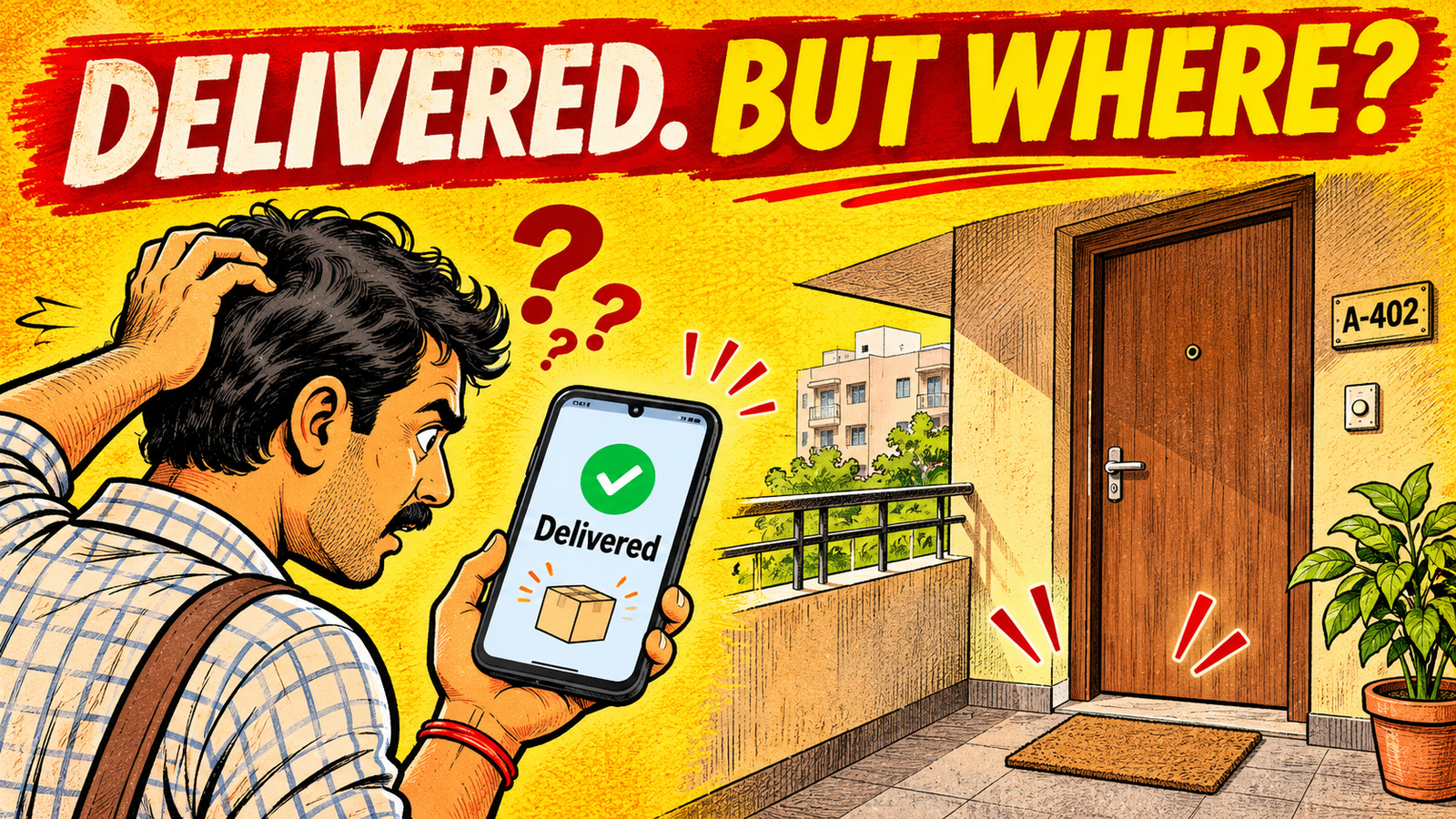
Your phone says the order was delivered at 3:42 p.m. You were home, the doorbell never rang, and there is no parcel outside. The order page gives you a button to rate the delivery but no obvious explanation of where the package went. Start by saving what the app shows and reporting the precise problem as a delivery dispute. The status is one piece of evidence. It cannot tell you by itself who received the parcel.
Do this first: Save the order page, delivery timestamp and any delivery photo. Check the address on the order and ask anyone authorised to receive parcels for you. If the parcel is still missing, report it through the retailer’s official app or website as marked delivered but not received. Ask for proof of delivery, a case number and a written decision on replacement or refund if delivery cannot be verified.
Check the handoff before filing
Use the address saved against this order, including the flat, tower and building entrance if shown. Your account might contain several saved addresses, and changing the default today does not change an earlier order. Check whether the delivery instructions allowed the parcel to be left with security, in a locker or at a specific door. If the order was split into parcels, compare the tracking number and item list for the missing package with any package that did arrive.
Ask people at home and, where appropriate, reception or security whether they accepted a parcel at the reported time. If there is a parcel register, ask whether staff can confirm an entry for your unit or tracking number. If the app shows a photo, look for details such as a different floor sign, mat or entrance. Tell support which detail you recognised. If the photo is unclear, say so. A picture of a box in front of a door may show a drop without establishing whose door it was.
Preserve a short evidence trail
- Save the order ID, tracking ID, item name and delivery status, including the date and time shown.
- Save the delivery image or receipt if it is available, along with any recipient name displayed in the order history.
- Note whether you received a call or message and whether you or an authorised person accepted the parcel.
- Write down where you checked and when. Keep support messages and the reference numbers in date order.
- Keep the invoice and payment confirmation ready. Share them through official account or complaint channels and mask unrelated account details in screenshots.
Report promptly through the order page if possible. Some platforms have a reporting window or specific option for a missing delivery. If the first menu only offers returns, use the help or support section to say that you have no item to return. If the courier can open a trace, save its tracking reference too, while keeping your seller or platform case open. The courier and platform may each have parts of the delivery record.
Ask for the evidence that fits the delivery method
For a doorstep drop, ask what location the record identifies and whether a photo or other delivery confirmation is available. For a handover, ask whether the record shows a recipient name, signature or confirmation event. If the platform says an OTP was used, tell them whether you received or shared a code and when. A delivery confirmation code can affect what the platform records. Give any code only during the handover it is meant to confirm, following the platform’s instructions. Keep banking codes and sign-in codes private.
If the first support reply only repeats the tracking status, ask for a review of the handoff and a written outcome. A useful reply tells you what delivery evidence was checked, whether support believes it matches your address or authorised recipient, and what happens next. If you find the parcel while the case is open, update support so the issue can be closed with an accurate record.
Copy this message to the platform
Order [order ID], tracking [tracking number], is marked delivered at [time/date], but I did not receive the parcel. I checked [door, reception or authorised recipient] at [time]. [Explain any mismatch in delivery photo or address.] Please investigate the handoff, share what proof of delivery you can provide for this order, and confirm the case reference and next update. If delivery to my address or an authorised recipient cannot be verified, please confirm whether you will offer a replacement or refund.
Escalate if support closes the dispute
Save the closure message and check the platform’s grievance officer details. Send the order number, original case reference, outcome requested and a short timeline. India’s Department of Consumer Affairs summary of the Consumer Protection (E-Commerce) Rules states that covered entities must acknowledge consumer grievances within 48 hours and redress them within one month of receipt. Those requirements concern grievance handling. Ask for the platform’s findings and whether it will replace or refund the order based on those findings.
If the platform’s formal route does not resolve the grievance, check the National Consumer Helpline for its complaint channels and what to include. Keep a copy of the filing and any responses. If you paid by card and want to ask about a payment dispute, contact your card issuer through its official channel and describe the purchase as authorised but the goods as not received. Ask what evidence and deadlines apply to your payment. Update the relevant parties if you later receive a refund or replacement.
Common questions
What if the order was marked delivered only a few minutes ago? Check the address, tracking and agreed drop location immediately. Report through the app if you cannot locate the parcel, especially if it gives a time-sensitive reporting window.
What if I already have part of the order? Identify the missing item and parcel on the invoice and tracking page. Keep the label from the parcel that arrived if it helps show which shipment you received.
Should I post the delivery image online? Send the image to support when it helps show a mismatch. If you share it publicly, redact details such as an address, face, phone number or readable tracking label.


