
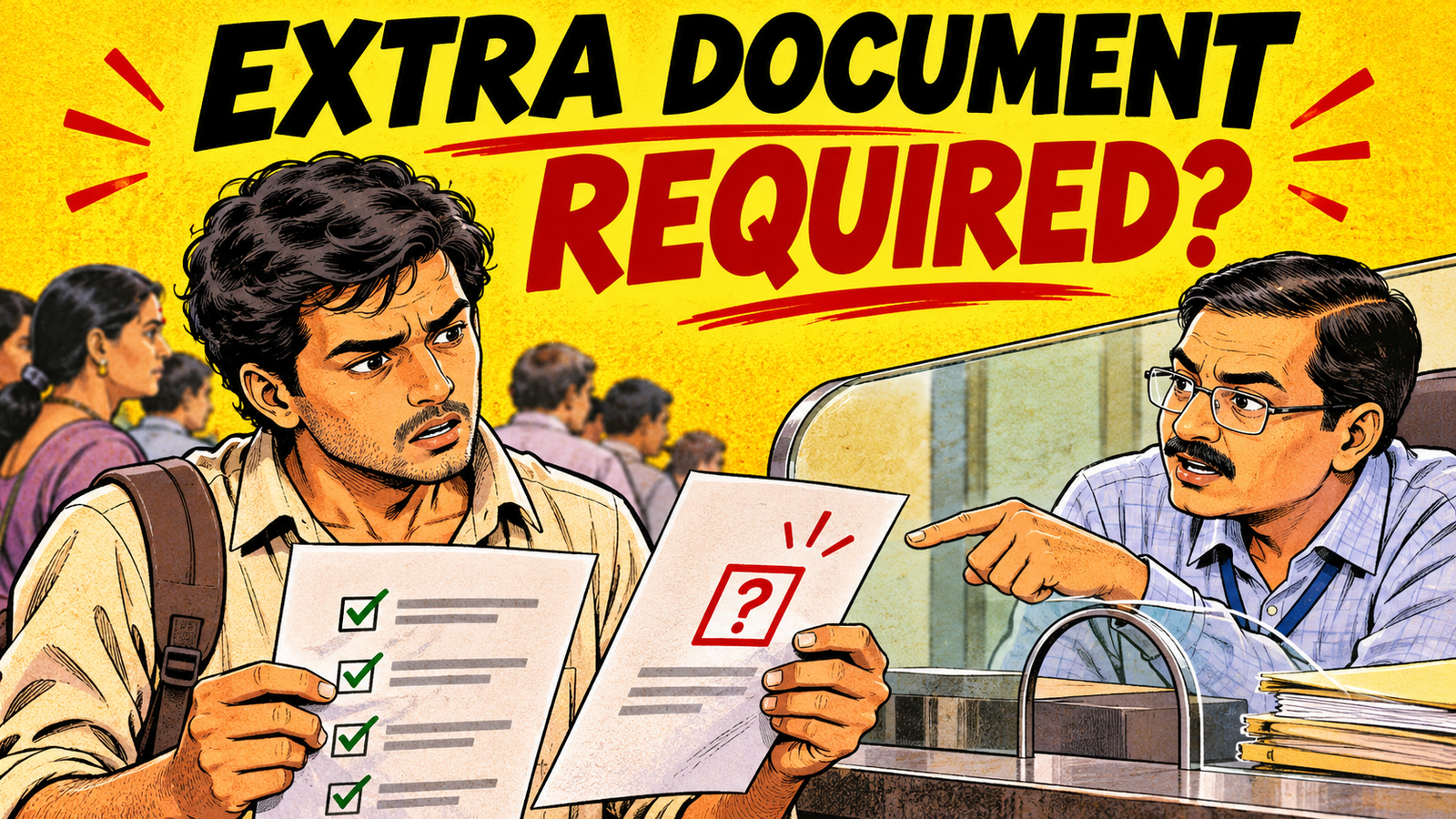
You arrive at a government counter with every document on the checklist. An employee asks for another certificate and says the application cannot go forward without it. Ask what the document proves, where the requirement is published and whether the office can put the request in writing. The answer may be a rule for your particular case, a newer circular, a request to replace unreadable evidence or simply a misunderstanding about the service you selected. Identifying which of those applies will help you decide whether to supply a document, correct the application or challenge the request.
Find the checklist for your exact service
Start with the website of the authority that actually issues the certificate, licence, benefit or approval. Search using the exact service name and jurisdiction. The checklist for a first application may differ from the checklist for a renewal, duplicate, correction or transfer. Two applications with similar names can be handled by different offices. Look for the applicant category too. Requirements may differ, for example, if an applicant applies on behalf of a minor, acts through a representative or needs to establish eligibility under a particular scheme.
Save the link and a copy of the instructions you relied on. Note the date you accessed them and any circular number or revision date shown. If you used a government service directory, follow its link to the relevant service and check whether it leads to a state or department portal with more specific instructions. The ServicePlus information page explains that services can be available through multiple portals and describes using the application reference number and submission date to track an application.
Ask whether the office needs another document or better evidence
Ask the counter to identify the exact document and why the material you supplied cannot be accepted. Perhaps a scan cut off the issuing authority’s seal, a certificate expired, the name in one record differs from the name on the form, or the system cannot verify the document. In such a case the solution may be a clean copy, a correction to the application or an accepted alternative. Ask which field or condition the office is trying to verify. That detail is more useful than a general instruction to bring more proof.
If the requirement is new or applies only to a special case, ask for the rule, notification, circular or service instruction and the date it took effect. Check whether it covers your application and whether there are instructions for files already submitted. If the officer refers to a displayed notice, note its title and date. Where photography is allowed, save a copy. If a notice and the website disagree, send both references to the department and ask which applies to your file.
Get the request linked to your application
For a submitted application, ask for a written deficiency notice or a message in the portal showing the missing document, the reason, the time allowed and where to provide it. If the counter refuses to accept a new application, ask whether you can get a written reason or an acknowledgement through an authorised submission channel. Keep your acknowledgement, receipt or token and record the date and office you attended. If you speak to a different helpdesk later, these details let it find the same file and understand the sequence.
I applied for [service] under reference [number] on [date]. The checklist at [link] lists the documents I submitted. On [date], [office or counter] requested [document]. Please confirm the applicable rule or instruction, why it applies to my case, any accepted alternatives and the date by which I should respond. Please also confirm whether my application remains open while this is clarified.
Protect the deadline while you seek clarification
Check the application portal for any notice and read the response window carefully. Save a copy before it disappears from the dashboard. A request for clarification may leave a deadline running, so ask for an extension or written instructions if you need time. If the portal allows a response to the deficiency, use that route and save proof of submission. If the demand concerns an identity or financial document, ask the office which pages or fields it needs and use the authorised channel. Keep original documents with you unless the process requires a handover and the office provides a receipt.
If your service determines an upcoming deadline for an exam, travel, employment or another application, tell the department the date and ask how it handles urgent cases. Keep the request factual. If there is an official process for submitting acceptable alternative evidence, ask for its instructions and whether using it will affect the existing application. Do not start a fresh file before checking what happens to the original reference and any fee already paid.
Choose an escalation that matches the problem
Use the department helpdesk or grievance officer to resolve conflicting instructions or obtain a clear deficiency notice. If the authority issues a rejection, check the order and service rules for any appeal or review route and deadline. For a service-delivery grievance, use the relevant state grievance portal or CPGRAMS where applicable. CPGRAMS provides tracking and, in eligible cases, a way to appeal the grievance response. Keep records of grievance submissions and responses. They can establish whom you asked and when.
If you want a copy of a circular or instruction already held by the authority, look at its Right to Information process. CPGRAMS lists RTI matters separately from the grievances it handles. In a time-sensitive case, continue to protect the filing or appeal deadline while asking for records. When several channels exist, send each office a concise request appropriate to its role, with the application reference and the exact point that remains unresolved.
What should you leave the counter with?
Try to leave with an acknowledgement, a written description of the missing item or an official link that explains the rule. If that is unavailable, write a dated note naming the office and recording the request as accurately as you can. Send your clarification request through an official channel and follow the application status. Once you receive a reply, compare it with the current checklist and save both. That record gives you something concrete to rely on if the next person handling the file gives you a different answer.


