
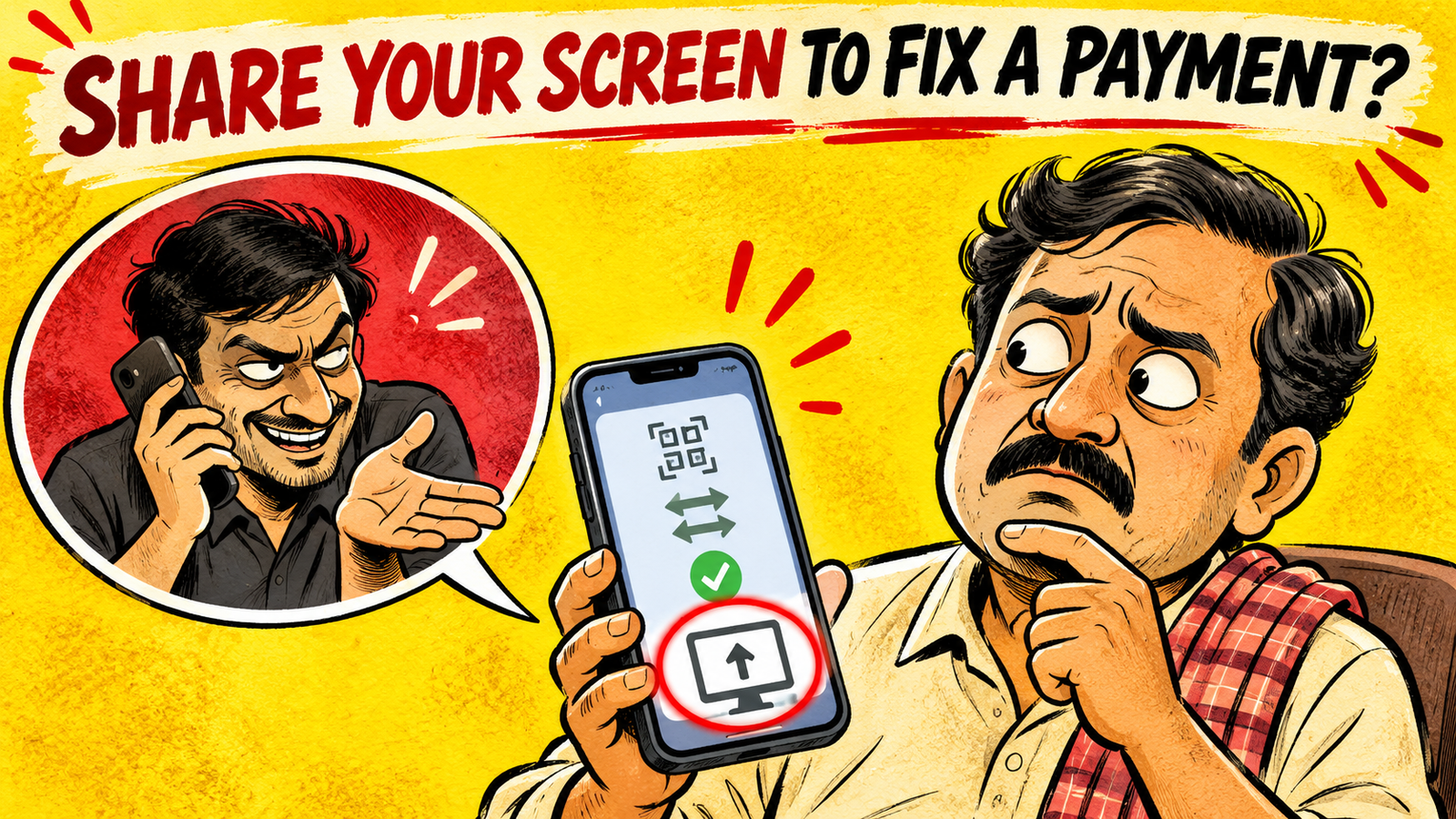
A caller says your payment is stuck and asks you to share your screen so they can fix it. They may sound like a bank employee and may know the transaction amount. Before you do anything else, end the call and check the payment in your own app. A caller who knows a detail about the transaction has given you something to verify, but they have not established who they are or why they need to see your screen.
Start here: Stop any screen-sharing session or remote access you already granted. Open your bank or payment app through the route you normally use, preferably on a trusted device if you are unsure about the first one. Check the status and use the support option inside the app or the official contact on your bank’s website. Tell the bank promptly if you exposed sensitive information or see a transaction you do not recognise.
Check what actually happened to the payment
Look at both the transaction in the app and the related account entry. Note whether it appears as successful, pending, failed or reversed. Save the amount, time and reference. If the statuses disagree, ask the bank to trace that specific payment. Do not make the payment again just because a caller says it failed. Check with the intended recipient through a contact you already trust if you need to confirm whether they received it.
A payment support team may need a reference, date, amount and a description of the issue. Start with those details through the provider’s verified channel. Ask whether there is an existing case and who is assigned to it. If a caller says there is a support ticket, write down the number and verify it with the provider directly. Keep a note of the time and what the caller asked you to do.
Verify the contact without using the caller’s details
Use the help menu in your genuine banking or payment app, a number on your card or the official website you reach yourself. Avoid using a callback number a caller dictates or an unofficial support number in a comment, advertisement or forwarded message. If support calls back after you raise a complaint, you can still end the call and reopen the case through the official route if the request is unusual.
Ask what process would normally apply to the payment status. A failed debit, a merchant refund and a payment you did not authorise have different complaint routes. Describe what you saw and which actions you took. If someone offered to release a refund through a new payment request, ask the provider whether your case genuinely requires any transfers. Read the recipient and direction of funds on any payment screen before approving it.
Understand what screen access can reveal
Even if a viewer cannot control the device, screen sharing can expose transaction history, account details, notifications and messages that appear while the session is active. Some apps separately request control permissions. Stop the sharing session if you are unsure who can see it, close the app and review the permissions you granted. Keep PINs, passwords and one-time codes private. Avoid opening sensitive apps, entering codes or approving payment requests while another person can see or control the device.
If a caller tells you to install an app outside your usual app store or to ignore a permission warning, pause. Independently verify what the bank wants you to do through its official support. The Reserve Bank of India’s customer awareness resources cover common fraud risks. You can ask the bank about the safe way to resolve a particular payment without giving an incoming caller access to the phone.
Keep these records if you need to report it
- Save the incoming number and call time, along with any messages or links the caller sent.
- Write down the request, app name and permissions you granted, if any.
- Keep the original payment reference and record any additional debit or request separately.
- Save confirmations from your bank and the official case numbers.
- Keep screenshots private and redact unrelated information from copies you send outside the formal complaint process.
Copy this message to your payment provider
I am checking payment [reference] for [amount] on [date]. An incoming caller claimed to represent your support team and asked me to [describe request]. I [describe whether you shared the screen, installed an app or approved a transaction]. Please verify the original payment status and tell me how to secure the account and report any suspicious activity. Please provide a case number and the next step.
If you already shared access or money moved
End the session and get the provider’s guidance from a trusted device. Tell it which apps and permissions were involved and whether the caller saw codes or account information. Ask how to secure the accounts and which transactions require a dispute. If you suspect a device remains under someone else’s control, avoid using it for banking until it has been checked. Use official recovery routes for passwords and sessions that may have been exposed.
If you suspect financial cyber fraud in India, contact your bank promptly and follow the guidance on the National Cyber Crime Reporting Portal. Preserve the timeline and transaction references. An approved transfer made after deception and a debit you never approved should be described accurately. Save the bank and portal acknowledgements together so you can refer to them in follow-ups.
Common questions
What if the caller knew my exact balance? End the call and ask your bank to check recent activity and any possible exposure. A correct detail does not establish the caller’s authority.
What if I only showed the app for a second? Tell your provider what was visible and whether you granted any control permissions. Ask what to check and which account protections apply.
What if no money moved? Verify the original payment, review access and monitor the relevant account for unfamiliar activity. Keep the evidence if the requests recur or the provider asks for a report.


