
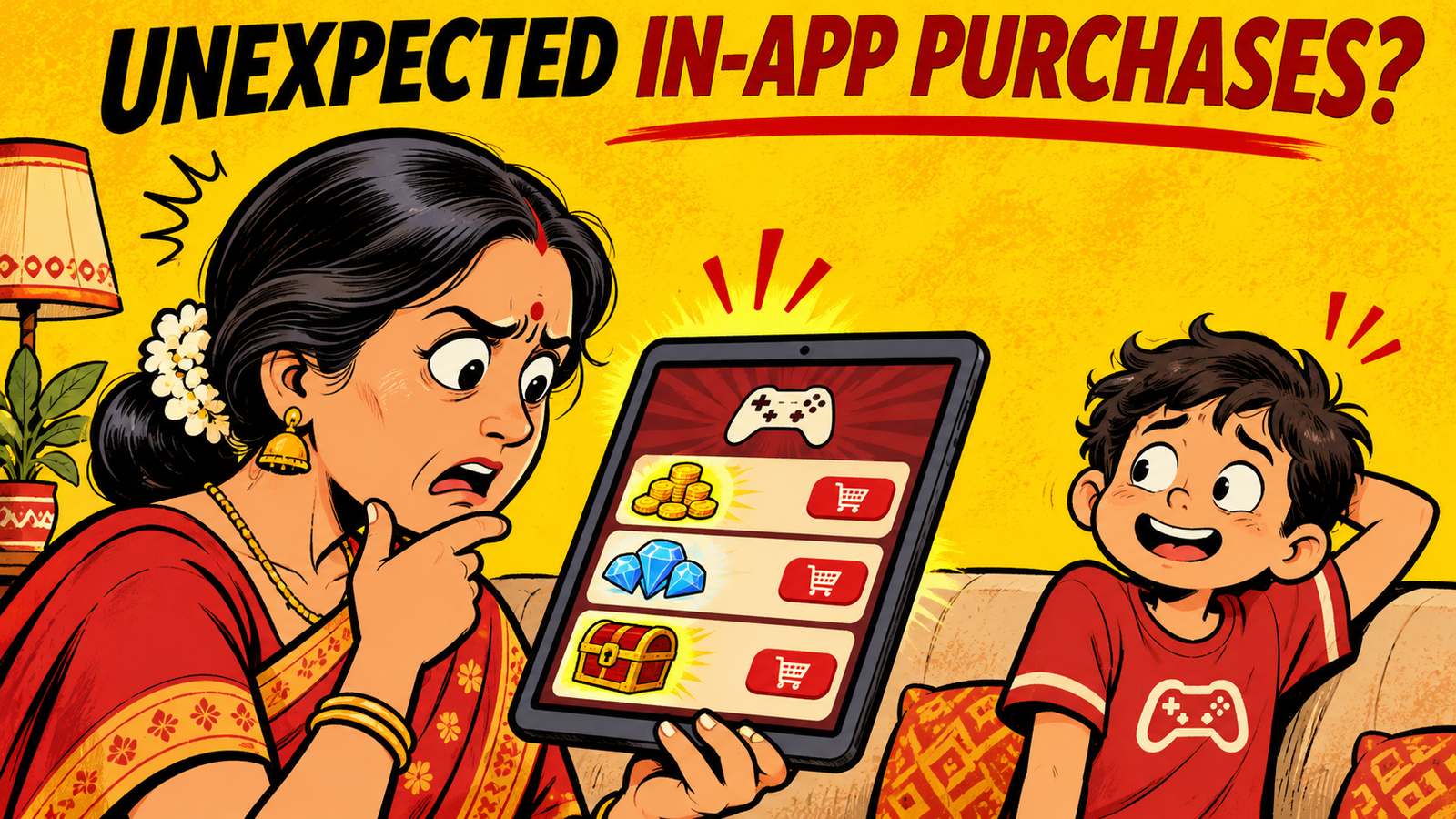
You discover several game charges after handing your child a phone or tablet. You can ask for a refund, and the decision depends on who billed you, what was purchased and the applicable refund rules. Start by finding the actual orders. Then secure the account so you can investigate without more purchases coming through. A bank alert is a useful clue, especially when there are several small charges, but the store receipt is usually the fastest way to identify where to ask for help.
Find the orders behind the bank alert
Write down the merchant label, amounts and dates from your statement. Search your email for receipts and check the purchase history on the accounts used on the device. Include family accounts or a second store account if the tablet is shared. Match each amount to an order or invoice. A bank statement can show a charge a day later than the purchase, and a single statement entry may reflect more than one item, so use the receipt details as well as the numbers.
Keep a small list with the app name, order ID, price, purchase date and whether the order appears to be a one-time item or a subscription. Save copies of receipts and screenshots of the order history. For support requests, send only the information needed to identify the orders. A support form generally has no reason to ask for your entire card number, payment PIN or a one-time sign-in code.
Request an Apple refund when Apple billed you
Use the Apple Account associated with the receipt to sign in to Apple’s Report a Problem page. Select the refund option, choose the reason that accurately describes what happened, select the items and submit. If you organise Family Sharing, check whether the relevant purchase was charged to your shared payment method. Apple’s support instructions explain how to find family purchases and how to handle charges made under another Apple Account.
If the charge is still pending, check again after the receipt arrives. Apple says to allow 24 to 48 hours for an update on a submitted request. If approved, the return to your payment method can take additional time. Keep the submission details and check status through Apple’s own page. If the purchase cannot be requested there, contact Apple Support with the receipt. Read Apple’s refund instructions.
Request a Google Play refund when Google billed you
Use the Google Account that made the purchase. Google Play’s refund help page links to its request process. If you cannot find the order through that flow, look in Payments and subscriptions and then Budget and order history on the Play website. Select the relevant order, use Report a problem and describe what happened accurately. Google says eligibility depends on its policies and that repeated requests for the same order do not speed up a decision.
Google also directs users to the app developer for some cases, including in-app items that did not work as expected and requests more than 48 hours after purchase. Use the developer contact on the verified Play listing and include the Google Play order ID. If the same purchase is already under review, tell the developer before opening another request. Read Google Play’s refund instructions.
What if the store has no record?
Check whether you are signed in with the correct account. A game can also direct users to its website or another payment provider. If the seller billed you directly, use the merchant listed on its receipt and navigate to its official support channel. Explain why you believe the purchase was accidental and ask which policy applies. Keep a copy of the merchant’s response and the date it was sent.
If nobody in your household recognises the charge after checking the relevant accounts, treat that as a possible unauthorised transaction. Contact your payment provider using a verified number or app. Ask how to secure the payment method, what the reporting deadlines are, and what information it needs. If a child or another family member did make the purchase, describe that honestly. The support team can then route the request based on the facts you know.
Use a short request that identifies each item
On [date], several in-app purchases appeared on the account I use on our family device. I believe my child made these purchases without my permission. The order references are [references] and the total is [amount]. Please review whether the purchases qualify for a refund. If you need additional information to locate the orders, please tell me what to provide through this support channel.
Specify whether you think the items were used, or say if you are unsure. If a subscription is involved, cancel the renewal through whoever bills it, then request a refund for the charge through the appropriate channel. Save confirmation of cancellation and check the access end date. If you receive a refund approval, match the returned sum to the orders covered by it. Several purchases can receive different outcomes, so a partial credit may leave some orders open.
Put a purchase check on every shared device
On the devices a child uses, look for purchase approvals or authentication for store transactions. Review family settings such as Ask to Buy on Apple devices or purchase approval settings available through Google Play family controls. Check which account is signed in and whether the child knows the device passcode or can use a biometric setting that authorises purchases. If the child uses an adult account, switching to an age-appropriate family account can make approval settings easier to apply.
Set a household rule for games with virtual currency or paid upgrades. For example, ask the child to show you the price screen before tapping buy. Confirm that payment alerts are reaching the account holder. If grandparents or other relatives lend a device, review its purchase settings too. Your immediate goal is to identify the orders, make an honest request through the company that billed you and stop a repeat while the request is reviewed.


