
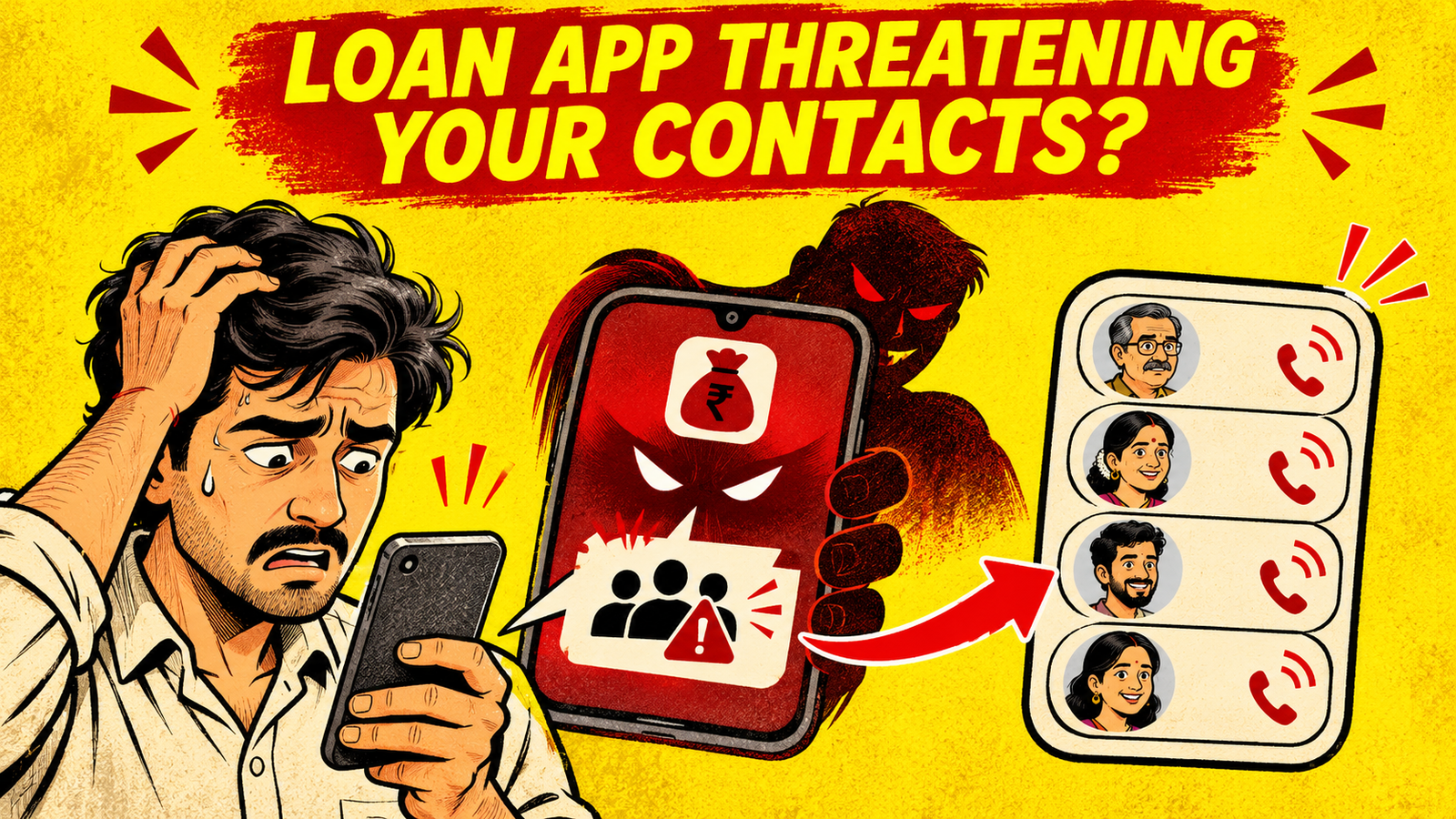
A message arrives from someone claiming to collect a loan. They say they will call your family, employer or every person in your phone unless you pay immediately. There are two questions to answer: who is actually entitled to collect the loan, and what did the sender do? You can verify the balance with the lender while also documenting and reporting the threat. If a message contains a credible threat of physical violence, get to safety and contact local police first.
Save the threat and its context
Capture the whole conversation, including the message before the threat if it helps explain what happened. Take screenshots that show the sender’s number, username or account, plus the date and time. Save voice notes and call logs through the tools your device already provides. For a call you cannot capture, write down what you remember as soon as it ends. Put exact phrases in quotation marks only when you are sure of the wording. Note whether the caller identified a lender, an agency or a loan reference.
Keep the originals in a private folder. Create redacted copies for sharing, especially if a screenshot exposes another person’s phone number, a home address or your loan account details. If someone in your contacts gets a message, ask them to save the original and send a copy privately. Their copy can establish what was actually sent. A collector’s claim to have your contacts and an actual message to a contact are different pieces of evidence, so record each separately.
Identify the lender through the loan documents
Look for the Key Fact Statement, sanction letter, loan agreement or disbursal email. An app name may be the brand of a lending service provider, while the bank or NBFC listed in the paperwork is the entity that issued the loan. Find the lender’s verified website independently. Ask its support team for a statement of the amount due, an explanation of any charges, and written confirmation of whether the agency or number contacting you is authorised.
If you never applied for the loan, tell the verified lender you dispute the account and ask what records it holds about the application. If funds appeared unexpectedly, contact your bank through its official channel. Keep the credit reference and ask how a return would be handled. A demand to send money to a personal UPI ID or QR code deserves independent verification, even if the caller knows facts from your application. Keep your PIN, OTP and passwords private throughout the process.
Check what the app can access
Open your phone’s settings and review the permissions granted to the loan app. If access to contacts, call logs, storage or other data is listed, preserve a screenshot, then remove access you do not need. Save any relevant statements or messages before uninstalling. Revoking a permission limits future access from that device. Data already collected may still exist elsewhere, so ask the lender what data was collected, why it was retained and whether it can be deleted.
The RBI’s digital lending rules for regulated entities include restrictions on access to phone resources such as contact lists and call logs. They allow limited one-time access to certain functions where needed for onboarding or identity verification with explicit consent. The distinction matters when you describe your complaint. Point to what the phone shows and what recipients received, and ask the lender to investigate how the collector obtained the information. Read the RBI Digital Lending Directions.
Report the conduct to the lender in writing
Use the grievance contact on the regulated lender’s website or in your loan documents. Include the dates, the app and lender names, a masked loan reference, the sender identifiers and a short description of what happened. If a third party was contacted, say so and attach a redacted copy. Ask the lender to identify the agent, preserve its own records, investigate the handling of contact data and respond in writing. Save the complaint number and the date the lender received it.
On [date], a person contacting me from [number] claimed to represent [lender or agency] and threatened to contact people in my phone unless I paid. [Describe any messages already sent to others.] Please confirm whether the sender was authorised, investigate the conduct and data access, and provide a written account statement and verified repayment channel. Please acknowledge receipt and provide a complaint reference.
If the regulated lender rejects the complaint wholly or partly, gives an unsatisfactory reply, or does not reply within 30 days of receiving it, check eligibility to escalate through the RBI Complaint Management System. Keep the original complaint and any reply for that submission. The RBI process addresses eligible grievances involving covered entities. An anonymous sender, suspected impersonation or a credible criminal threat may also warrant a separate police or cybercrime report.
What if money has already gone to the sender?
Contact your bank or payment provider promptly using its official app, website or card number. Explain how the payment was induced and share the transaction reference, amount, date and recipient details through the private reporting channel. In India, suspected financial cyber fraud can also be reported through helpline 1930 and the National Cyber Crime Reporting Portal. Keep the report acknowledgement. A report helps the relevant parties trace what happened, and recovery depends on the facts and transaction status.
What should your contacts do if they get a message?
A short heads-up to affected people can help them handle the approach calmly. Ask them to avoid engaging, sending money or opening links. If they are comfortable, they can preserve the message and share a copy with you privately. You can explain that you are verifying the claim directly with the lender without discussing your balance or payment history. Avoid reposting the threatening material publicly, because that can expose the same people and details you are trying to protect.
Keep the complaint and the balance on separate tracks
Start a timeline with three items you can update: messages and calls, written complaints, and verified payments or statements. If the debt is genuine and payment is due, discuss the balance or a hardship arrangement through the lender’s official channel and save receipts. If the loan was opened without your knowledge, keep the dispute in writing and ask for the next review step. A clean record lets you answer follow-up questions without relying on a collector’s version of events.


