
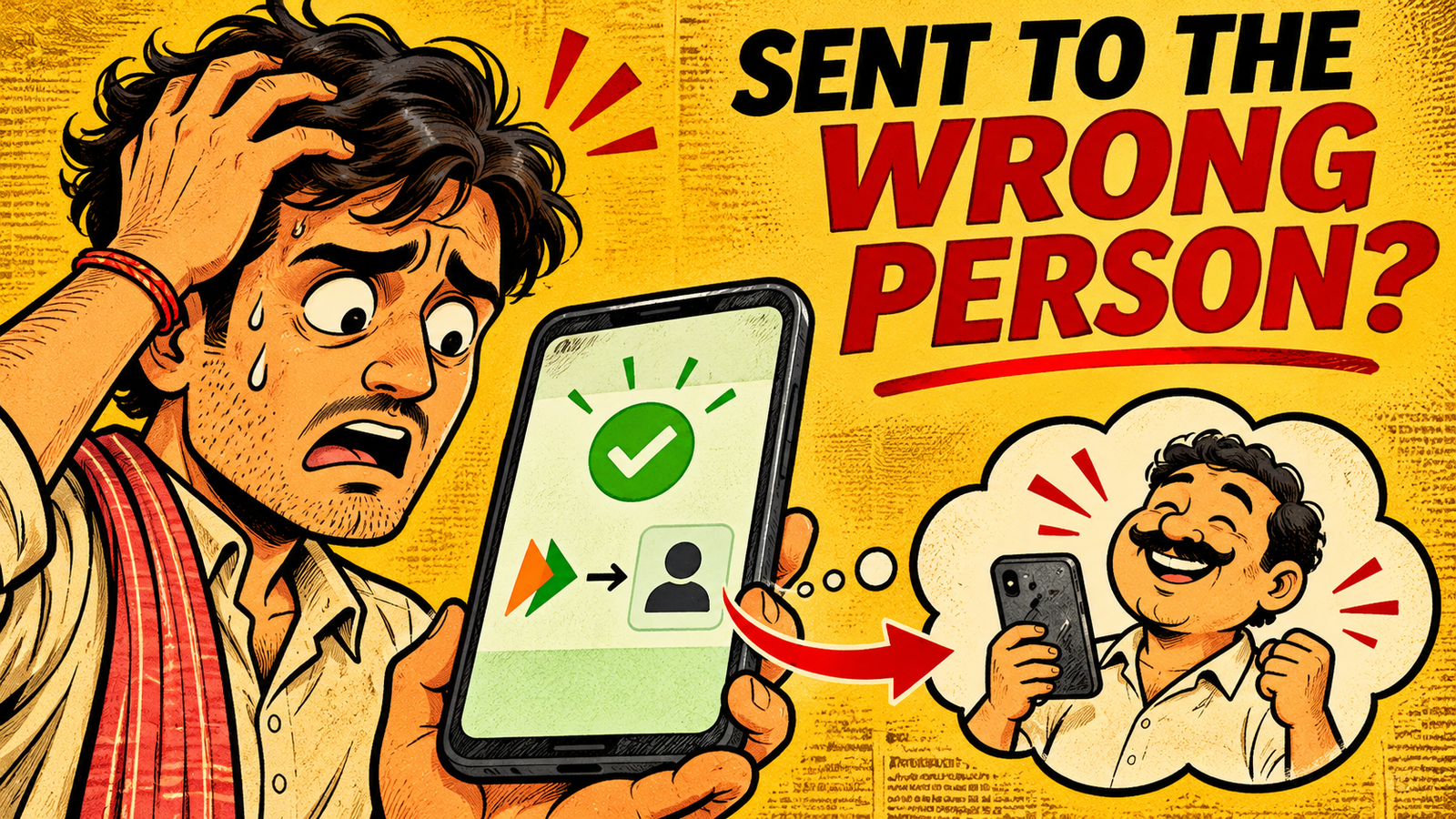
You meant to pay a friend, but the app shows that the transfer went to someone else. The amount has left your account and the transaction says successful. Can you get it back? You can ask your bank or payment app to help recover it, but a completed transfer cannot simply be cancelled from your phone, and recovery is uncertain. Report it promptly and describe exactly what you approved.
First steps: Open the original transaction in your UPI app, save its reference and status, and use the in-app help option for that payment. Contact the bank that debited your account through its official channel and ask for a complaint number. If someone deceived you into sending the money, explain that separately so the case can be routed as suspected fraud.
Check whether the payment succeeded
Look at the transaction record and your bank statement. Record the status, amount, date, time and recipient identifier shown in the app. A pending or failed payment with a debit is a different problem from a successful credit to the wrong person. If the status is unclear or changes between the app and bank statement, ask the provider to trace it before you send the same amount again.
Check the intended recipient against your own earlier payment history or a trusted contact. A typing mistake, selecting an old saved beneficiary and scanning the wrong code can lead to similar outcomes. Write down what happened as soon as you notice the error. Avoid guessing who controls the receiving account based solely on a name in the app. The institution can use the reference to identify the transaction in its records.
Gather details your bank can use
- Save the UPI reference or transaction ID and the receipt from the original payment.
- Record the date, time, amount, sender bank and recipient UPI ID or other details the receipt actually displays.
- Save the linked statement entry and note whether the payment was successful, pending or failed.
- Write a short description of the mistake and why you believe the destination was wrong.
- Keep the support acknowledgement, case number and the date of your next follow-up.
You can send the provider a relevant screenshot through its official support channel. Remove unrelated transactions from any copy you share outside the complaint process. Keep the original for your own records. Your UPI PIN, banking passwords and one-time codes do not belong in a complaint. A support agent can identify the transfer from its reference and the information requested through the official channel.
Ask the app and bank about the recovery process
Open the transaction’s help screen and choose the option that best describes the facts. The NPCI UPI Help guidance describes transaction-linked complaint options. If the app offers no suitable option, use the provider’s official support route, explain the mismatch and ask how to log a wrong-beneficiary complaint. Give the bank the same reference so both reports identify the same payment.
Ask what the bank can do to contact or coordinate with the receiving bank and whether it needs a written request from you. Ask what the process depends on and when you should check back. A recovery request may depend on the receiving institution’s procedure, the status of the funds and any required cooperation or consent. Treat an acknowledgement as confirmation that the case has been logged. Check for an actual matching credit before considering the amount recovered.
If you know the recipient personally, you can let them know there was a mistake and ask them to verify the credit through their own bank or app. Avoid pressing an unknown recipient or posting their details publicly. If someone says they can return the funds only after you send another transfer, share a code or approve a request, stop and check with your bank through its official channel. Approving a payment request can send money out of your account.
Copy this message to your bank
I authorised a UPI transfer of [amount] on [date and time], reference [ID]. The payment shows [status] and went to [recipient identifier shown] in error. Please log this as a wrong-beneficiary complaint, check the transaction and tell me what recovery process is available. Please provide a reference number, any documents you need and when I should expect an update.
If there was deception, add what the other person told you and when you realised the claim was false. If you did not authorise the payment at all, tell your bank that clearly. Those facts are important because the provider may handle fraud, unauthorised debit, failed payment and an authorised transfer to an unintended recipient differently. Preserve the original messages and payment request if they help explain what happened.
Follow up if the complaint stalls
Use the existing case number and ask whether the payment was traced, whether a recovery request was sent and what the bank needs from you. If you receive a closure response, ask for the reason and the bank’s next escalation contact. For unresolved service complaints against covered regulated entities, consult the RBI Ombudsman FAQ for eligibility, waiting periods and filing requirements after first approaching the entity. That process addresses eligible grievances about the provider’s service. It does not guarantee the payment will be returned.
If you discover that the transfer was part of suspected cyber fraud, report it promptly to the bank and use India’s National Cyber Crime Reporting Portal for its official reporting guidance. Give the original case numbers if you already reported the same transfer. Avoid sending a recovery fee to a caller claiming to be a bank employee or investigator. Verify requests independently.
Common questions
Can I reverse it myself? A completed transfer generally needs to be handled through the bank or provider’s complaint process. Ask what applies to the transaction status shown.
What if the recipient says they refunded it? Check for the matching credit in your own account, note the amount and reference, and tell your bank if it resolves the complaint.
How do I avoid the same mistake? Check the recipient identifier, displayed name and amount on the final confirmation screen. If a known contact sends a new payment address, confirm it through a trusted channel before paying.


