
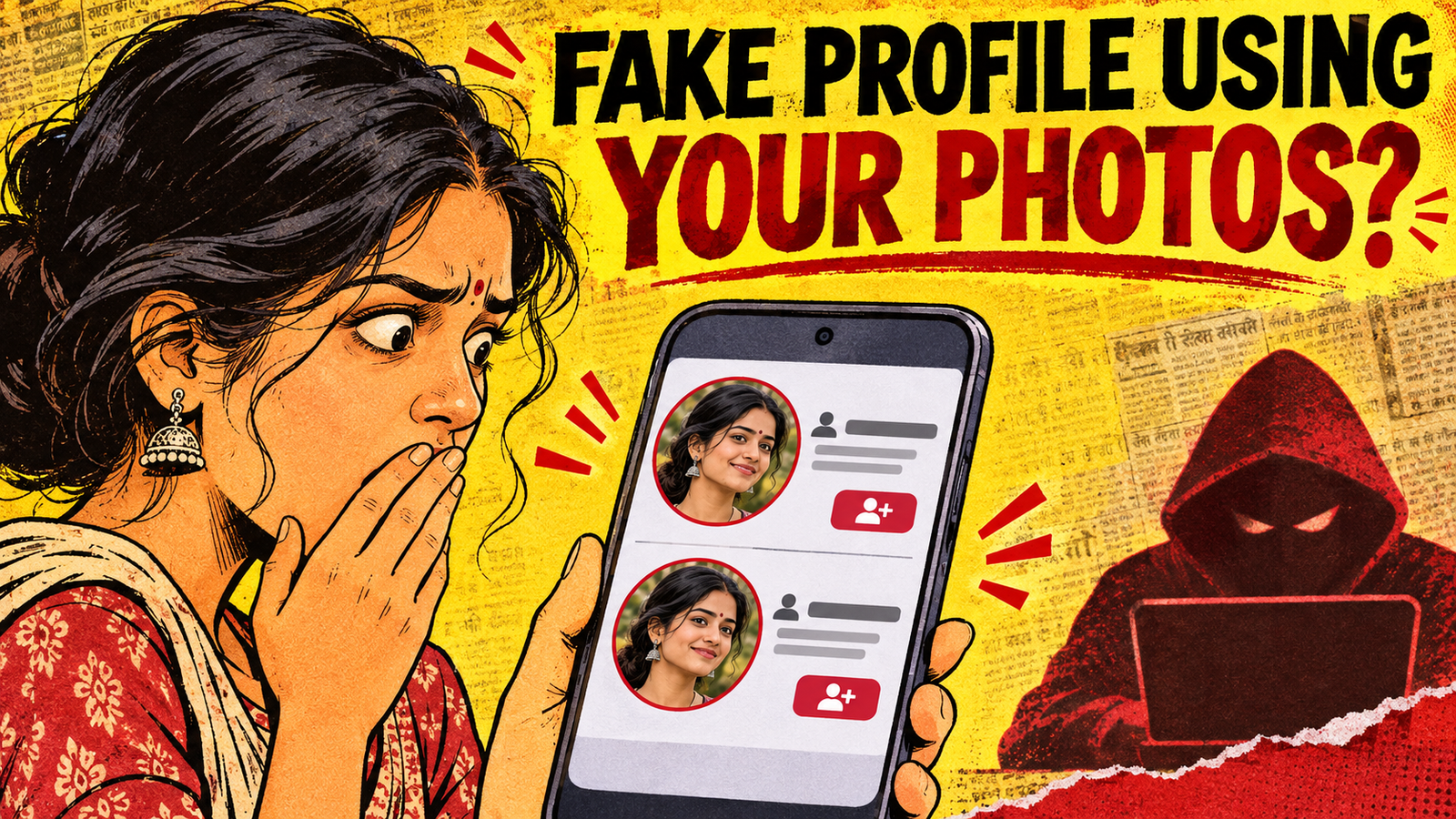
A friend sends you a screenshot of an account with your photo and a name close to yours. The account has already messaged someone you know. You want to get it removed quickly, but first you need to identify the actual account and preserve enough information for the platform to review your report. A screenshot forwarded by a friend is a useful alert. The live profile address and specific messages make the complaint easier to investigate.
Start here: Save the profile URL, exact username and dated screenshots. Use the platform’s official impersonation report process. Tell contacts who have already been approached to ignore requests for money, codes or documents and to send you evidence privately. If there is an unauthorised transaction or a credible threat, deal with that through the relevant bank or authorities while the platform reviews the account.
Capture the actual profile before it changes
Ask your friend to share the profile link through a channel you trust. If you can access the page safely, record the full link, exact handle, displayed name and date. Handles can differ by one letter, punctuation mark or number. Save a screenshot showing the account header and the profile photo together. If the account uses more than one photo, identify the posts that carry them and save the individual links if available.
Keep evidence of what the account does as well as what it looks like. If it claims to be you in a message, asks for payment or solicits information, ask the recipient for the part of the conversation showing that request and the sending account. If someone already paid, ask them to keep their own transaction record and contact their provider. Keep the originals in a private location and mask private details in any copies you share publicly.
Report the specific violation through the platform
Open the account’s reporting menu from the official app or website and look for the category that describes impersonation. For example, Instagram provides an official impersonation help page that explains its reporting process. Use the help centre for the platform where the account appeared. The labels and evidence requirements can vary, and you may be able to use a web form if you cannot access an account in the app.
In the report, identify the profile that is impersonating you and give your genuine account if you have one. Explain what it copied and which details make it appear to represent you. If it is sending payment demands or threats, report those messages through the relevant option as well if the platform allows it. An account report and a report about a particular message can address different issues. Keep every acknowledgement and capture the date you submitted it.
Some services request identity verification. Use only the platform’s genuine form and check what information it requires. Never send a password, login code or full identity document by direct message to a person claiming they can remove the account. If someone offers a paid removal service, verify any claim about access independently through the platform.
Alert the people most likely to be contacted
Send a short private note to people who already received a message or who might reasonably think it came from you. Give them a safe way to check future requests, such as calling you on a number they already have. Ask them to report the account through their own app if they witnessed the impersonation and retain any relevant messages. Avoid forwarding an unverified payment link or encouraging people to engage with the account.
If you operate a public business or community page, decide whether a brief notice on your genuine account would help people tell the two apart. Explain which account is yours and what kinds of requests readers should verify. Avoid identifying an individual as the account operator unless you have evidence. A screenshot can show what an account posted without establishing who controls it.
Check whether your own account is still secure
On your genuine account, review the current sign-in sessions, recovery email and phone number. If you see unfamiliar activity, use the platform’s official recovery and security tools. Protect the email account used for recovery as well. A profile can copy public images without accessing the original account, so check for actual signs of unfamiliar access and take the appropriate steps for what you find.
Copy this report description
The profile at [URL], username [handle], uses my photo and presents itself as me. My genuine account is [handle, if applicable]. I first became aware of it on [date]. The profile uses [describe the copied image or claim], and it sent [brief factual description, if relevant]. I have attached dated evidence. Please review this as impersonation and let me know what further verification you need.
When to report beyond the platform
If the account is linked to suspected fraud, extortion or threats, keep the financial and message evidence and check India’s National Cyber Crime Reporting Portal for the official reporting route. If anyone transferred money, they should contact their bank or payment provider promptly. If there is an immediate safety risk, contact local police or emergency services. Preserve reference numbers so accounts of the same incident can be matched.
Keep a simple log of account removals and new reports if the impersonation repeats. Record which posts or messages each case covered and send the platform a fresh link when you find a new profile. That helps the reviewer distinguish a repeat incident from an earlier case.
Common questions
What if the handle changes? Save the new link or handle if you can verify it is the same account. Give the platform the earlier reference and dates rather than assuming the new username creates a separate case.
What if the platform says it could not verify impersonation? Check the decision and any review option. Provide clearer evidence showing your genuine account or the claim made by the reported profile.
Should I contact the account directly? If there are threats, fraud or repeated unwanted contact, use formal reporting channels and preserve evidence. Direct contact can expose additional details or give the account time to remove material.


