Want to check your PF balance on WhatsApp? EPFO has launched a new chat-based service for provident fund information. It is a convenient new option, but members should verify the account, follow the official authentication process, and keep an alternative ready if the chatbot does not respond.
The EPFO WhatsApp service was launched on 1 November 2026. The Ministry of Labour and Employment confirmed the facility in its official announcement.
Information checked on 2 November 2026. This is an independent Sansani explainer. Service menus and availability may change.
Quick answer: What is the EPFO WhatsApp number?
The launch number is +91 8796441800, as reported by NDTV and The Economic Times, citing EPFO’s announcement. Start with “Hi” and follow the service prompts.
Before sharing account information, cross-check the number against EPFO’s current official communication. A contact name or familiar profile picture alone is not enough to establish who is running an account.
The question: What can you do through the EPFO WhatsApp service?
The government’s launch announcement confirms access to these account-information services:
- PF balance: Check the balance information available for your account.
- Latest five transactions: Review recent entries.
- Passbook information: Access your provident fund record.
- PMVBRY guidance: Get assistance with requirements related to the Pradhan Mantri Viksit Bharat Rozgar Yojana.
The facility adds another access channel. Do not assume that a balance-check menu also permits withdrawals, bank-detail changes, or every other EPFO transaction. Use the official process for the specific service you need.
How to check PF balance on WhatsApp
- Verify the destination. Check EPFO’s latest official announcement before starting a chat with the launch number.
- Use your registered mobile connection. Have access to the mobile number associated with your UAN, or Universal Account Number.
- Send “Hi”. Open the verified service conversation and begin.
- Choose the language and service offered. Select the balance, recent-transaction, or passbook option you need.
- Complete the official verification prompts. The sequence may differ as the service changes. Do not follow verification instructions from a separate caller or unsolicited account.
- Review the result. Check which account or period the information refers to before drawing conclusions.
These steps reflect the launch reporting linked above. Sansani has not authenticated a member account or tested the private account flow. If your menu differs, follow current official instructions rather than guessing which option to select.

The problem: What if EPFO WhatsApp is not working?
Launch-day reporting has described delayed responses and failed requests. The Free Press Journal reported subscriber complaints on 2 November. Those reports do not establish that the service is unavailable to everyone, and this article is not a live outage monitor.
If a request fails, take a measured approach:
- Note the error. Record the time and exact message without posting personal account details publicly.
- Check the connection. Confirm that WhatsApp and your mobile connection are functioning.
- Check the number you used. Confirm that you started the correct service conversation and can access your registered mobile number.
- Retry later or switch channels. Repeatedly submitting the same request is not a substitute for an alternative access method.
- Avoid unofficial fixes. Do not install an APK or remote-access tool sent by someone claiming they can repair your PF access.
The solution: Other official ways to check PF information
| Option | What to use it for | Where to start |
|---|---|---|
| EPFO passbook portal | Account passbook access | Official EPFO passbook sign-in |
| UMANG | Available EPFO services, including passbook access | Official UMANG website; look for EPFO services |
| Missed-call facility | Balance and last-contribution information for eligible members | Give a missed call to 9966044425 from the registered mobile number |
For the missed-call option, EPFO’s official instructions say the mobile number must be activated with the UAN, with at least one of the specified KYC details linked: bank account, Aadhaar, or PAN. The call disconnects automatically, and EPFO describes the facility as free to the member.
UMANG’s official service guide lists EPFO passbook and related services. Availability and authentication requirements can differ by channel. Start from the official website or app listing rather than an unsolicited download link.
Protect your PF account while using chat services
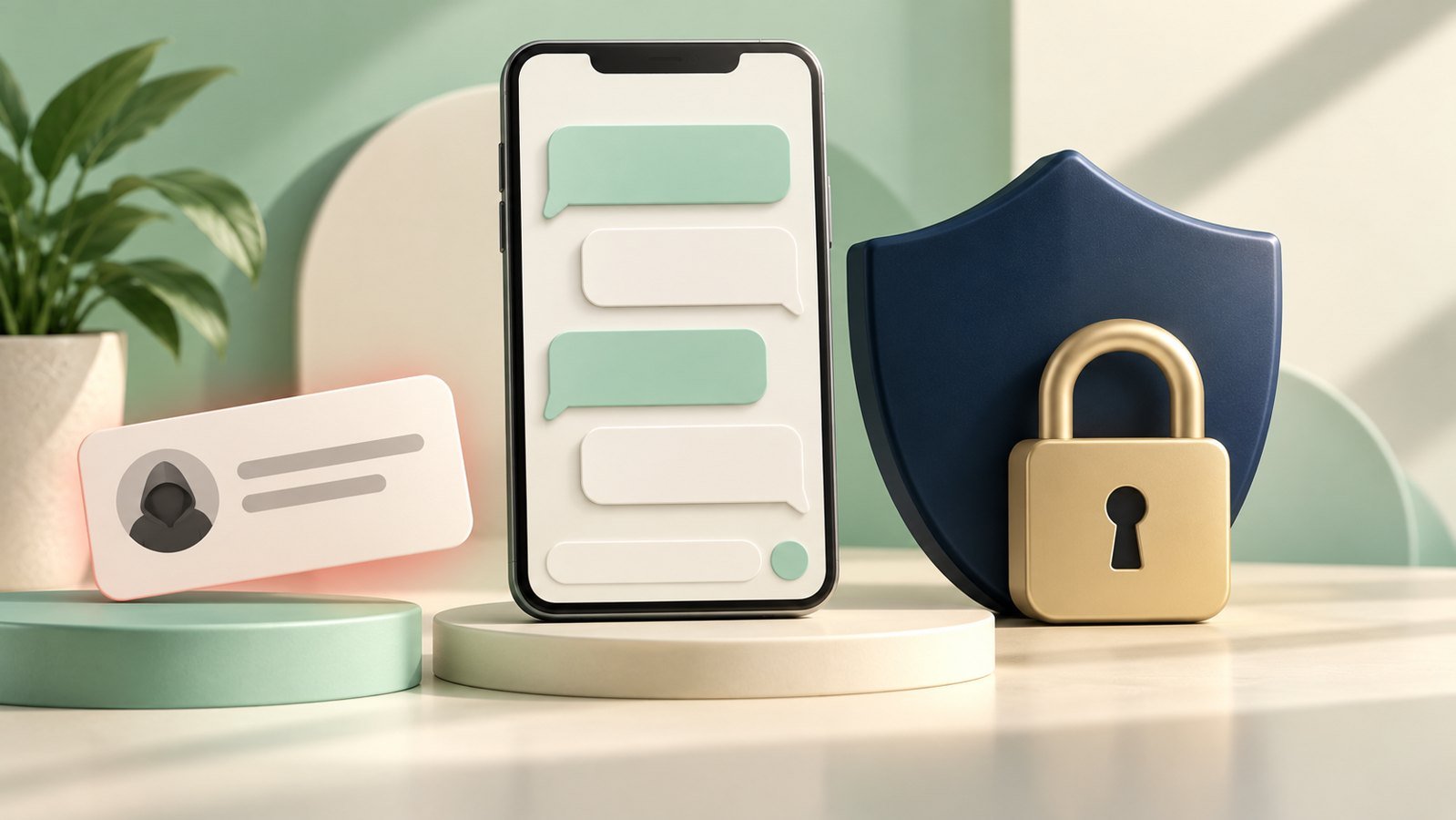
Convenience should not mean giving an unknown person access to your account. EPFO’s passbook sign-in page warns against calls requesting personal details, OTPs, or payments, and says EPFO does not call members or pensioners to ask them to deposit money.
- Keep passwords private. Do not give a UAN password, banking password, card PIN, or UPI PIN to a caller or chat “agent”.
- Treat OTPs as account access. Never relay them to another person. If an official process requires authentication, complete it only in the genuine flow you initiated.
- Reject remote-control requests. Someone does not need to control your phone to explain where an official service can be found.
- Protect downloaded records. A passbook may contain personal and financial information. Avoid posting it in public groups or sending an unredacted copy to unknown accounts.
- Verify requests independently. Return to an official EPFO source instead of using the number or link supplied in a suspicious message.
Frequently asked questions
Can I download my PF passbook through WhatsApp?
Launch coverage describes a passbook-download option. Complete the service’s verification process and select the available passbook option. If the request fails, try the official passbook portal or available UMANG services.
Is checking my PF balance the same as withdrawing money?
No. Viewing account information and submitting a claim are different actions. The WhatsApp launch announcement should not be read as approval for a withdrawal or proof that a claim has been settled.
Does the WhatsApp service replace the EPFO website?
It is an additional route for routine information. Keep the official portal and UMANG options available, particularly if a chat request does not complete.
What should I do if someone asks for money to activate the service?
Do not pay an unsolicited caller or agent. Verify the request independently. EPFO’s official passbook page specifically warns members against requests to deposit money based on a call.
Does an error message mean my PF savings are missing?
An access error alone does not establish what has happened to your funds. Check through another official channel and seek an official account-specific explanation if the information is still unclear.
Before you begin
Verify the current EPFO service account, use the official authentication flow, and keep a fallback ready. The purpose of the new channel is easier access to information; a failed chat request is a reason to try an established official route.
Images are AI-created editorial illustrations, not screenshots of EPFO or WhatsApp. Do not use them to identify a genuine service interface.